
New
Brand in second Pro, now with the Logo File Generator
Brand identity work, done in seconds, not days.
Generate logo grids, concept presentations, bento layouts, brand guidelines and every logo file inside Adobe Illustrator. Then spend your time on the work that needs a designer.
[Rating] from [N] reviews, used by [N] designers
Lite is free · Pro trial runs 2 days from first launch
Create in seconds
Generate grids, layouts and guidelines from your own artwork in one click.
Present with confidence
Walk clients through concepts that already read like a finished identity.
Deliver without the busywork
Hand over guidelines and every logo file, named, foldered and ready to use.
Your whole logo workflow, automated.
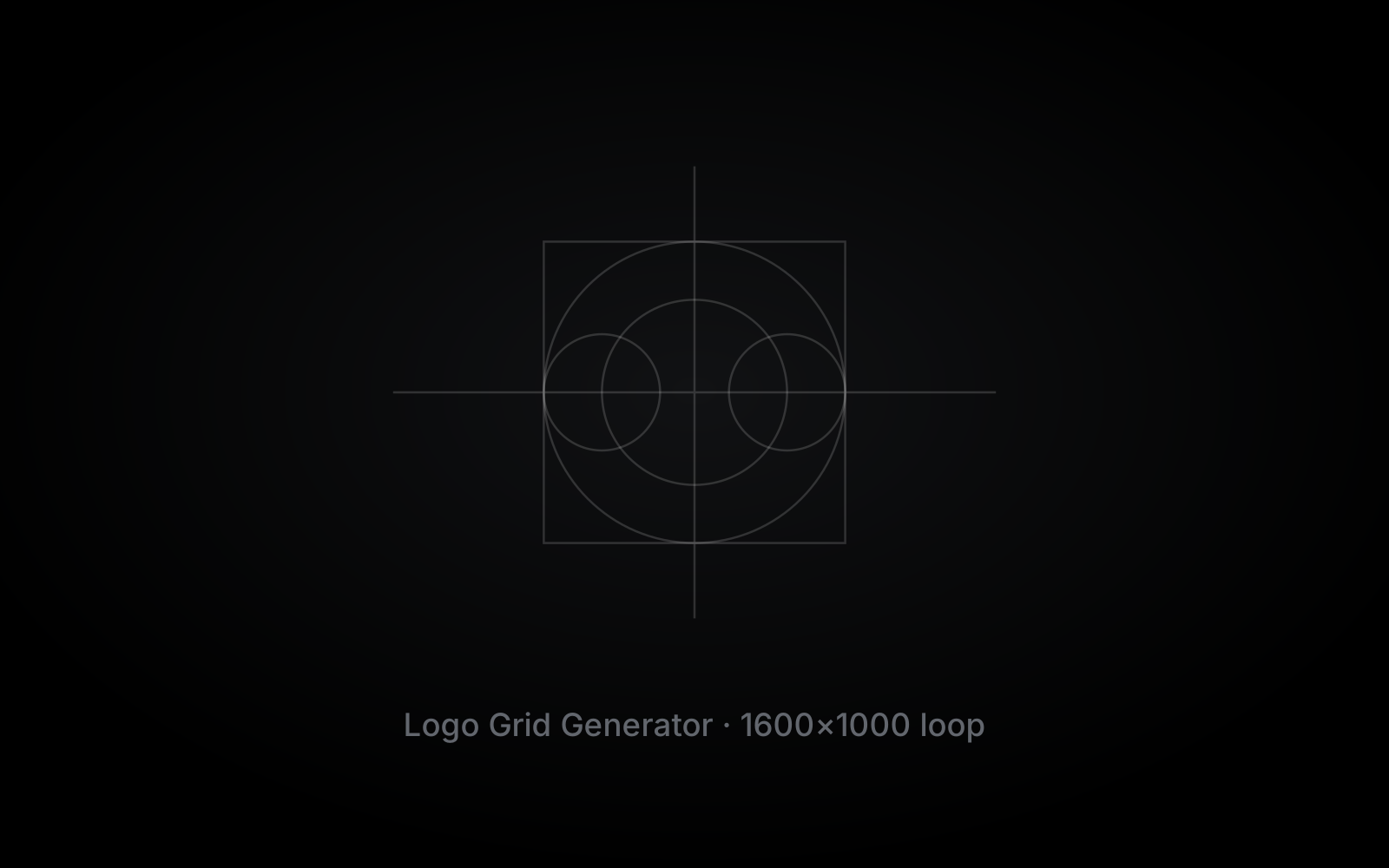
Logo Grid Generator
Construction, lockup and clear-space grids built from your logo in one click. Check your geometry, then show clients the craft behind the mark.
Logo Presentation Generator
Drop in your concepts and get a client-ready deck, with your studio branding on every page.
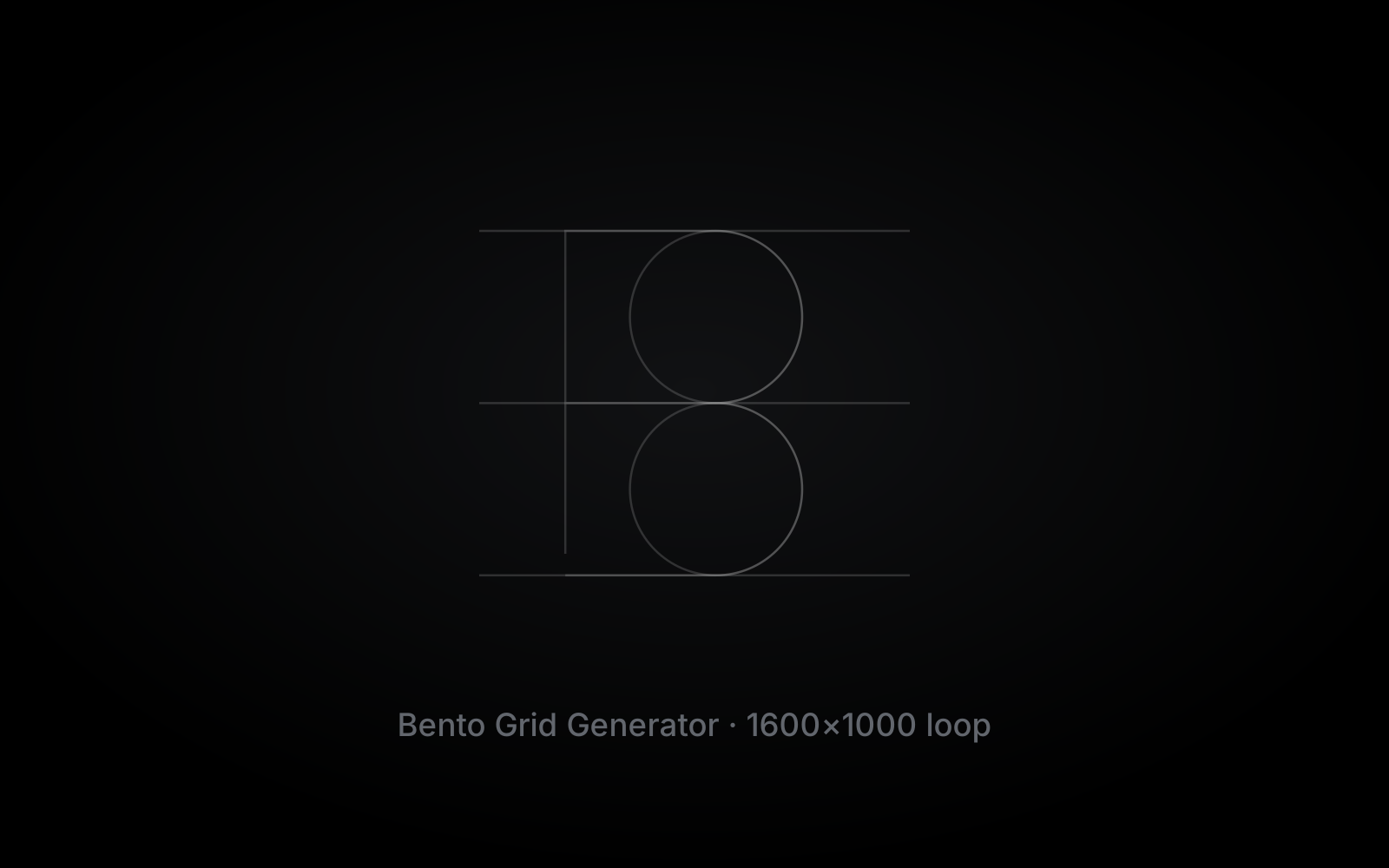
Bento Grid Generator
Portfolio and social layouts built from your brand assets, from simple to complex in a few clicks.
Brand Guidelines Generator
A guidelines document built from your logo, colours and type, ready to hand over.
Logo File Generator
Every format and colour version of the logo, named and foldered for the client.
Made in seconds with Brand in second.
Grids, decks, bento layouts and guidelines, generated straight from designers’ own logos.










Design with automation, not AI.
Your artwork, not a prompt.
Every grid, page and file comes from the logo you drew. Nothing is invented for you.
Rules a designer set.
Grid ratios, clear space, page structure and export specs follow fixed design rules, not a trained model.
The same result every time.
The same artwork gives the same output on every project, so nothing you send a client is a surprise.
You stay in control.
Everything lands as native Illustrator objects. Edit it, move it or run it again. It is still your file.
More clients, fewer hours.
Projects per year
12
20
hrs
saved per project
Grids, presentations, bento layouts, guidelines and logo files, generated instead of built by hand.
6
wks
back every year
Around 240 hours of production work you no longer do.
2
new
client projects a year
The hours come back as capacity. Take on the extra work, or take the time off.
[Placeholder estimate: 20 hours saved per project and 150 hours per new project. Replace with your own measured figures.]
Designed for designers.
It lives inside Adobe Illustrator, right next to the tools you already open every day.
What designers are saying.
[Placeholder cards. Add real quotes from Brand in second users here.]
[Customer name]
[Role or @handle]
“[Customer quote goes here. Keep it in their own words. Keep it in their own words.]”
[Customer name]
[Role or @handle]
“[Customer quote goes here. Keep it in their own words.]”
[Customer name]
[Role or @handle]
“[Customer quote goes here. Keep it in their own words. Keep it in their own words. Keep it in their own words.]”
[Customer name]
[Role or @handle]
“[Customer quote goes here. Keep it in their own words.]”
[Customer name]
[Role or @handle]
“[Customer quote goes here. Keep it in their own words. Keep it in their own words.]”
[Customer name]
[Role or @handle]
“[Customer quote goes here. Keep it in their own words.]”
[Customer name]
[Role or @handle]
“[Customer quote goes here. Keep it in their own words. Keep it in their own words. Keep it in their own words.]”
[Customer name]
[Role or @handle]
“[Customer quote goes here. Keep it in their own words. Keep it in their own words.]”
[Customer name]
[Role or @handle]
“[Customer quote goes here. Keep it in their own words.]”
One licence. Hours back on every project.
Lite is free. Pro unlocks every tool and every future update for a one-time price.
Brand in second Pro
[Price]
one-time, + sales tax where applicable
2-day free trial · then Lite, free forever
- Logo Grid Generator
- Logo Presentation Generator
- Bento Grid Generator
- Brand Guidelines Generator
- Logo File Generator
- Every future update
- Use on up to 2 devices
- Works offline for up to 7 days
Questions & answers
How does the free trial work?
The 2-day trial starts the first time you launch Pro in Illustrator, not when you download it. When it ends, the extension switches to Lite, which stays free.
What is the difference between Lite and Pro?
Lite is free and needs no licence key. Pro unlocks [list what Pro adds over Lite].
Is this a one-time purchase or a subscription?
One-time. Your Pro licence never expires and includes every future update.
How many computers can I use it on?
Two devices per licence. You can free up a device from your account whenever you move to a new computer.
Does it work offline?
Yes. Once activated, Pro keeps working offline for up to 7 days before it needs to check your licence again.
Which Illustrator versions are supported?
Adobe Illustrator [versions] on [macOS and Windows].
Your next logo project, done a day sooner.
Try every Pro tool free for 2 days, right inside Adobe Illustrator. Lite stays free after that.
2-day free trial · Lite is free forever