
Logo grids, built from your mark in one click.
Generate construction, lockup and clear-space grids from your own logo inside Adobe Illustrator. Check your geometry, then show clients the thinking behind the mark.
[Rating] from [N] reviews, used by [N] designers
Lite is free · Pro trial runs 2 days from first launch
[Customer name]
[Role or @handle]
“[Customer quote goes here. Keep it in their own words.]”
[Customer name]
[Role or @handle]
“[Customer quote goes here. Keep it in their own words. Keep it in their own words.]”
[Customer name]
[Role or @handle]
“[Customer quote goes here. Keep it in their own words.]”
The problem
Hand-drawn grids cost hours and prove little.
Slow to build
Placing every circle and guide by hand takes [time] per concept, then again after each revision.
Easy to get wrong
A guide that sits one point off no longer matches the mark, and nobody notices until the client does.
Built once, used once
Each logo needs its own set of guides, so none of that work carries over to the next project.
Three grids from one panel.

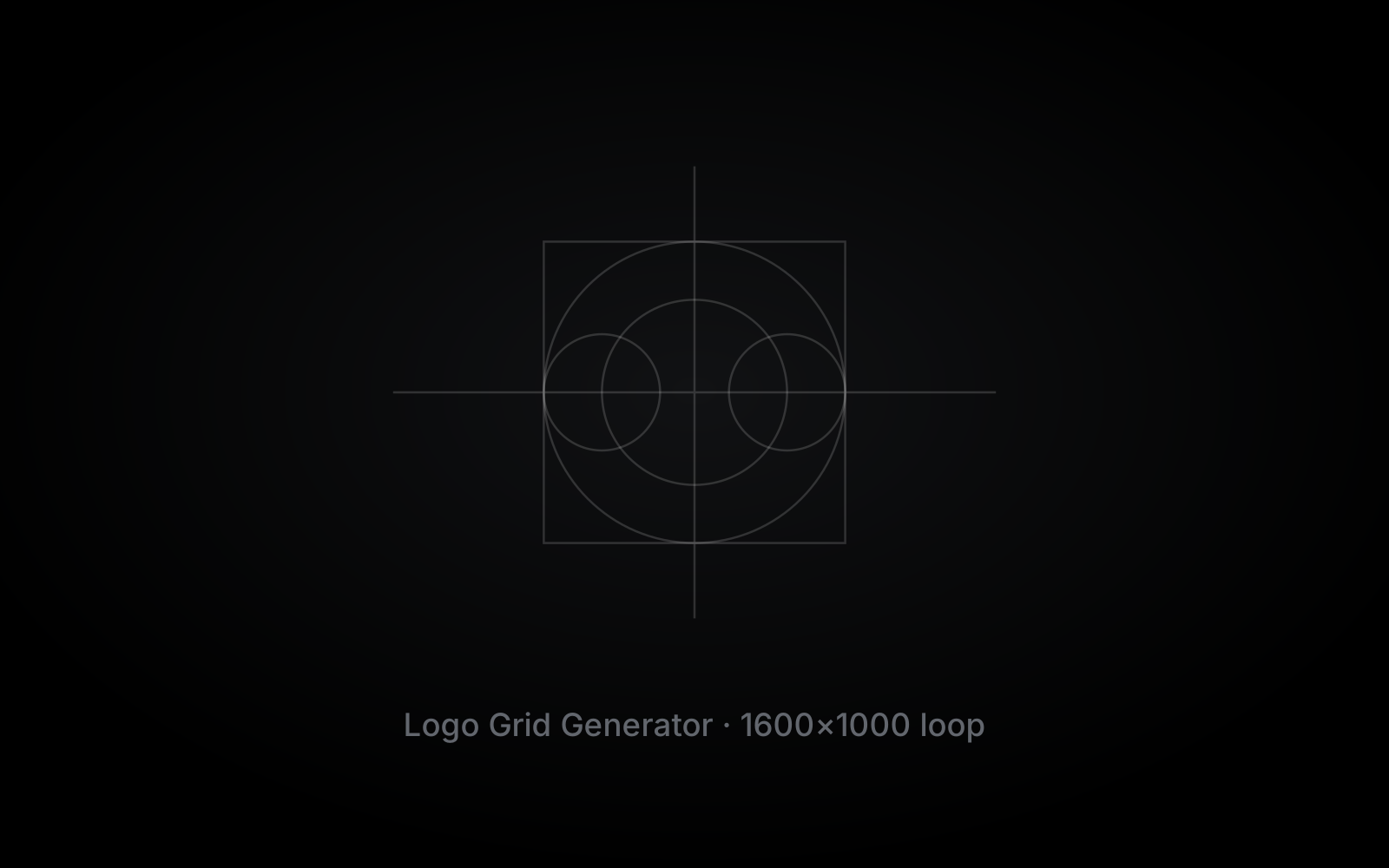
Construction grids
Show the circles, lines and angles behind the mark, and catch a curve that drifts before the client does.
Built from your logo
The grid comes from the artwork you drew, not a template.
Check your geometry
See where a shape sits a little off, then fix it.
[Grid options]
[Which construction elements it draws, to confirm.]
Show the craft
Put the grid in front of the client to explain how the mark was made.

Lockup grids
Set the spacing between symbol and wordmark once, so every version of the lockup follows the same units.
[Lockup layouts]
[Horizontal, stacked and other layouts, to confirm.]
Units from the mark
Spacing comes from your own logo, not a guess.
Rules a designer set
Grid ratios follow fixed rules, so the result is the same on every project.
Native objects
The grid lands as Illustrator objects you can edit or delete.

Clear-space grids
Mark the space a logo needs around it, so it stays readable wherever it is placed.
Clear-space zone
Measured from a unit taken from your logo.
One rule for every lockup
The same clear space across each version of the mark.
[Minimum size]
[Minimum size guidance, to confirm.]
Ready for the guidelines
Reuse it in the Brand Guidelines Generator.
How much time is that?
Building a full set of grids by hand takes around [time] per logo. The Logo Grid Generator builds them in one click.
Grids per project
3
Projects per year
12
36
hrs
back every year
Weeks of full-time work: 1.
[Placeholder estimate: 60 minutes by hand per grid. Replace it with your own measured time.]
Step one of your workflow.
Check the mark
Show the concepts
Lay out the work
Write the rules
Hand over the files
One licence. Hours back on every project.
Lite is free. Pro unlocks every tool and every future update for a one-time price.
Brand in second Pro
[Price]
one-time, + sales tax where applicable
2-day free trial · then Lite, free forever
- Logo Grid Generator
- Logo Presentation Generator
- Bento Grid Generator
- Brand Guidelines Generator
- Logo File Generator
- Every future update
- Use on up to 2 devices
- Works offline for up to 7 days
Questions & answers
Does it work with any logo?
It works from vector artwork in Adobe Illustrator. [Confirm what the artwork needs, for example outlined text.]
Can I edit the grids afterwards?
Yes. The grids are regular Illustrator objects, so you can move, restyle or delete any part of them.
Is the Logo Grid Generator sold on its own?
No. It is one of the five tools in Brand in second Pro, covered by the same one-time licence.
Which Illustrator versions are supported?
Adobe Illustrator [versions] on [macOS and Windows].
Check your next logo in one click.
Try the Logo Grid Generator and every other Pro tool free for 2 days, right inside Adobe Illustrator. Lite stays free after that.
2-day free trial · Lite is free forever